Finding the right conversation
Buckets, search, filters and sorting — how to get from a full queue to the one conversation you need.
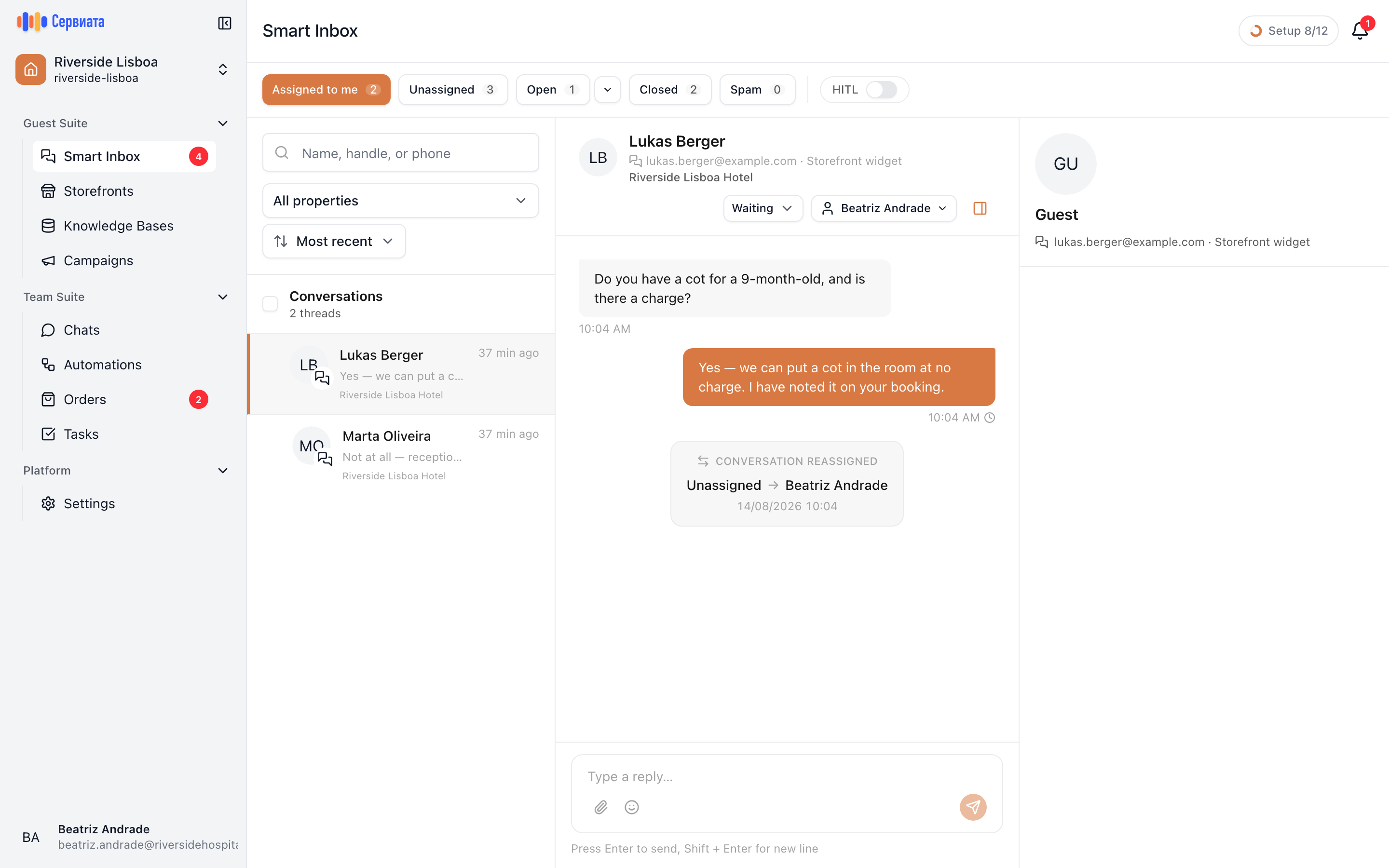
A busy inbox is not a list you read top to bottom. Three tools narrow it, and they stack: the buckets say what kind of conversation you want, the filters say which property and which signals, and search finds one person.
Buckets
The row of buttons above the list is the first cut, and each one carries a count:
| Bucket | What's in it |
|---|---|
| Assigned to me | Yours. This is the shift's to-do list. |
| Unassigned | Nobody has taken them. This is where a shift starts. |
| Open | Somebody else has them and they aren't finished. |
| Closed | Finished. |
| Spam | Marked as junk, out of the way. |
The counts are the useful part: Unassigned 7 across the top of the screen is the number a duty manager actually watches.
Which bucket you land on depends on your role — a manager with full access opens on Open, everyone else on Assigned to me. The choice is remembered for next time.
Assigned to me and Open never overlap
A conversation belongs to exactly one bucket. As soon as you take a conversation it leaves Unassigned and appears under Assigned to me; for your colleagues it moves into Open. Closing it takes it out of all three.
Managers get one extra control: a small arrow beside Open splits it into All open, New only and In progress only — the difference between "everything in flight" and "nobody has started this yet".
Search
The field above the list searches name, handle or phone — as the placeholder says. A guest on the telephone gives you one of the three, and one is enough.
Filters
- 1
- Search, property, and the signal filters
Property — the dropdown above the list. Leave nothing selected to see everything you have access to, tick several to compare, or choose Entire workspace for conversations that aren't tied to one hotel.
Three more narrow the queue by what the conversation is:
| Filter | Use it for |
|---|---|
| Alerts | Only conversations the assistant flagged for a person — see the assistant. |
| Sentiment | How the guest sounds: negative, neutral, positive. |
| Intent | What they want: booking, inquiry, service request, complaint, feedback, other. |
Sort offers Most recent, Unread first and Oldest. "Oldest" is the one nobody uses and everybody should: it surfaces the guest who has been waiting longest, which is exactly the one you are about to disappoint.
Your filters live in the address of the page, so a narrowed view can be bookmarked or pasted to a colleague — and they are remembered when you come back.
Reading the list
Each row is deliberately dense, because scanning it is most of the job:
- The name, with a small icon for the channel it came from.
- The last message, so you can often answer without opening anything.
- An Alert badge, if the assistant flagged it.
- The property it belongs to, or Workspace.
- The time of the last message, and an unread count.
- A coloured dot when the guest's tone reads as clearly negative or positive.
A bucket with nothing in it and a search that matched nothing read differently, so you always know whether to clear the search or move on.